
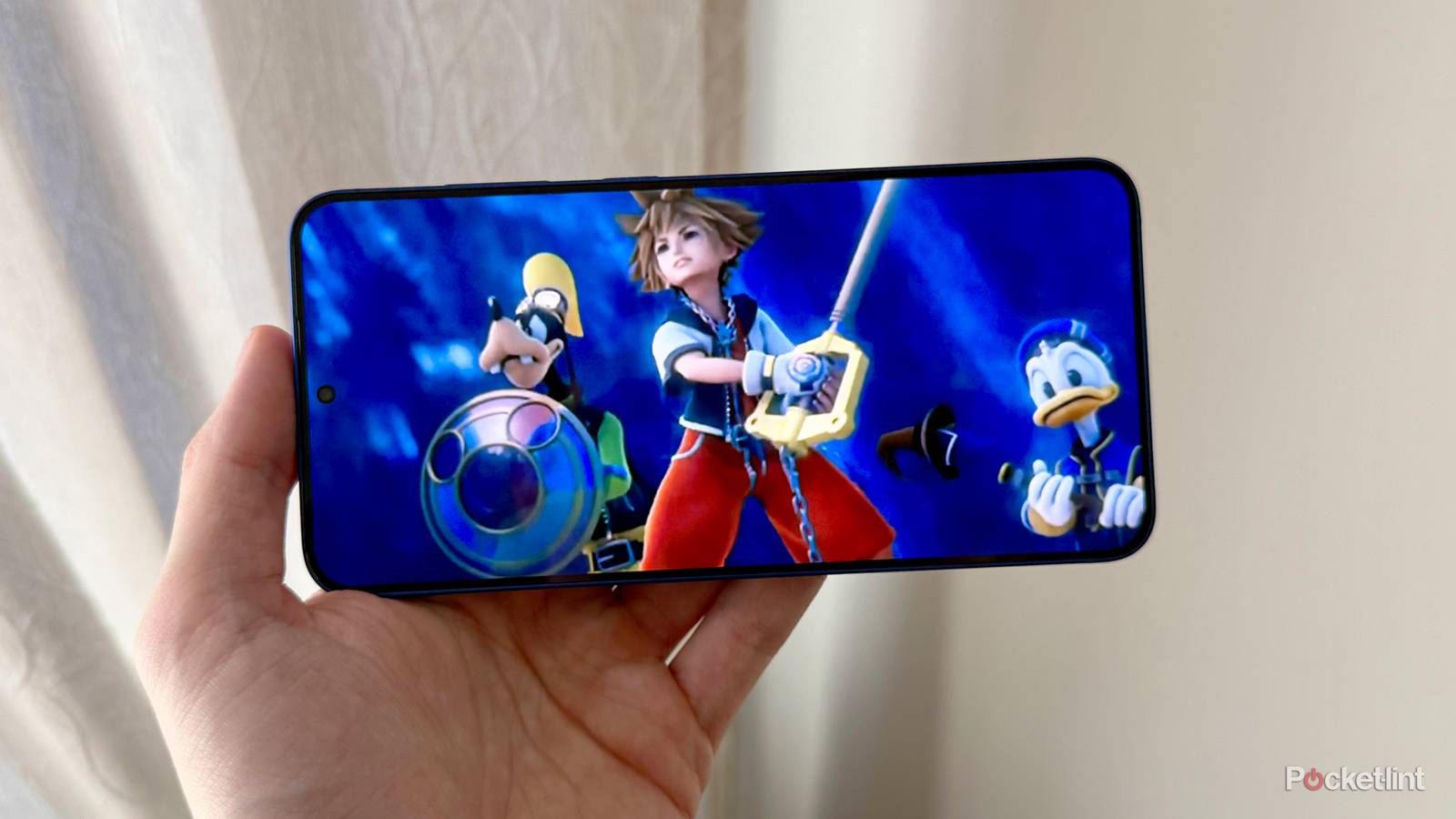
Reviving classic gaming experiences on modern devices has become easier than ever, especially with advancements in console emulation. If you’re a fan of the PlayStation 2 (PS2) and wish to relive its iconic library of games on your Android phone, you’re in luck. Thanks to dedicated emulators and recent updates, transforming your legacy Android device into a mini PS2 gaming station is now a real possibility. This guide explores the latest in PS2 emulation for Android, including how to set up these tools, their performance improvements, and what future developments might bring.
The Evolution of PS2 Emulators on Android
The journey to emulate PS2 games on Android devices has been a gradual process, but recent breakthroughs have significantly enhanced the gaming experience. One notable project is NetherSX2, a fork of the now-defunct AetherSX2, which once served as a pioneering PS2 emulator for Android. Despite the slowdown in PS2-specific emulation efforts, active development on forks like NetherSX2 demonstrates ongoing progress. The recent update from developer Trixarian has notably improved game performance and provided fixes for popular titles such as Metal Gear Solid 3: Subsistence, TimeSplitters, and Grand Theft Auto: San Andreas.
While the official PS2 emulators are not available on the Google Play Store, enthusiasts can download NetherSX2 directly from GitHub and sideload it onto their devices. This process involves downloading the APK file and installing it manually, which is common for many emulators that are still in development or not officially distributed through app stores. For a smooth experience, it is recommended to choose the build that best suits your game library; for example, build 4248 offers optimal compatibility with titles that use the Snowblind engine, including the Jak series and Baldur’s Gate: Dark Alliance. Conversely, build 3668 is tailored for racing games like NASCAR and Colin McRae Rally. Remember, only one build can be installed at a time, and save data is not interchangeable between versions.
To legally enjoy PS2 games, you’ll need to supply your own BIOS files and game ROMs or ISOs. These are crucial for authentic emulation, and acquiring them typically involves extracting from physical discs or purchasing digital copies. For comprehensive guides on this process, searching online can provide detailed instructions tailored to your device and game preferences.
How to Download and Set Up NetherSX2
Since NetherSX2 isn’t available through official app stores, you’ll need to perform a manual installation. Head over to the project’s GitHub repository, where the latest APK files are hosted. Be cautious and ensure you’re downloading from trusted sources to avoid malicious software. Once downloaded, enable installation from unknown sources in your device settings and proceed with the sideload process.
The emulator requires a PS2 BIOS file to function correctly. Legally, this BIOS must be extracted from your own PlayStation 2 console. Once you have the BIOS, place it in the appropriate folder as specified by the emulator’s setup instructions. Next, load your PS2 game images—either ISO files or ROMs—onto your device. For optimal performance, it’s advisable to use high-quality, clean copies of your games.
For further customization and performance tweaks, consider exploring community forums and tutorials. These resources often share configuration settings that can help enhance graphics, controls, and overall stability. If you’re interested in exploring other options, ARMSX2 is currently under active development, promising notable performance boosts with reworked rendering engines. However, given its early stage, sticking with NetherSX2 might be more reliable for now.
If you’re curious about other aspects of game development, such as creating your own titles or joining the community of developers, resources on mobile game development can be invaluable. Additionally, engaging with developer communities can provide insights into how to collaborate with industry insiders, including Riot Games, for various gaming projects.
The Future of PS2 Emulation on Android
Looking ahead, ongoing projects like ARMSX2 indicate that the future of PS2 emulation on Android devices is promising. With improvements in graphics rendering, compatibility, and performance, playing your favorite PS2 titles on a portable device will only get better. Developers are continually refining these tools to provide smoother gameplay experiences, making retro gaming more accessible than ever.
For those interested in the broader landscape of game development, exploring how to start your own game studio can be an exciting venture. Many resources are available to guide aspiring developers through the process of establishing their own game development business, which could include creating emulators or other gaming tools.
Emulation isn’t limited to PS2 alone. Platforms like Roblox also offer opportunities for developers to learn about game server management and multiplayer integration. If you’re planning to develop multiplayer features or manage game servers, a helpful resource is a comprehensive Roblox guide, which covers essential aspects of in-game server management.
Final Thoughts
In my opinion, the PlayStation 2 remains one of the most influential and beloved gaming consoles ever created. Its vast and diverse game library continues to captivate gamers worldwide, even years after its original release. If you’re eager to experience these classics on the go, setting up the NetherSX2 emulator on your Android device is an excellent starting point. For PC enthusiasts, the open-source emulator PCSX2 offers a robust way to enjoy PS2 titles on a computer.
Reviving the PS2 experience on modern devices exemplifies how technology bridges the gap between past and present gaming eras, ensuring that these timeless titles continue to entertain new generations of players.