
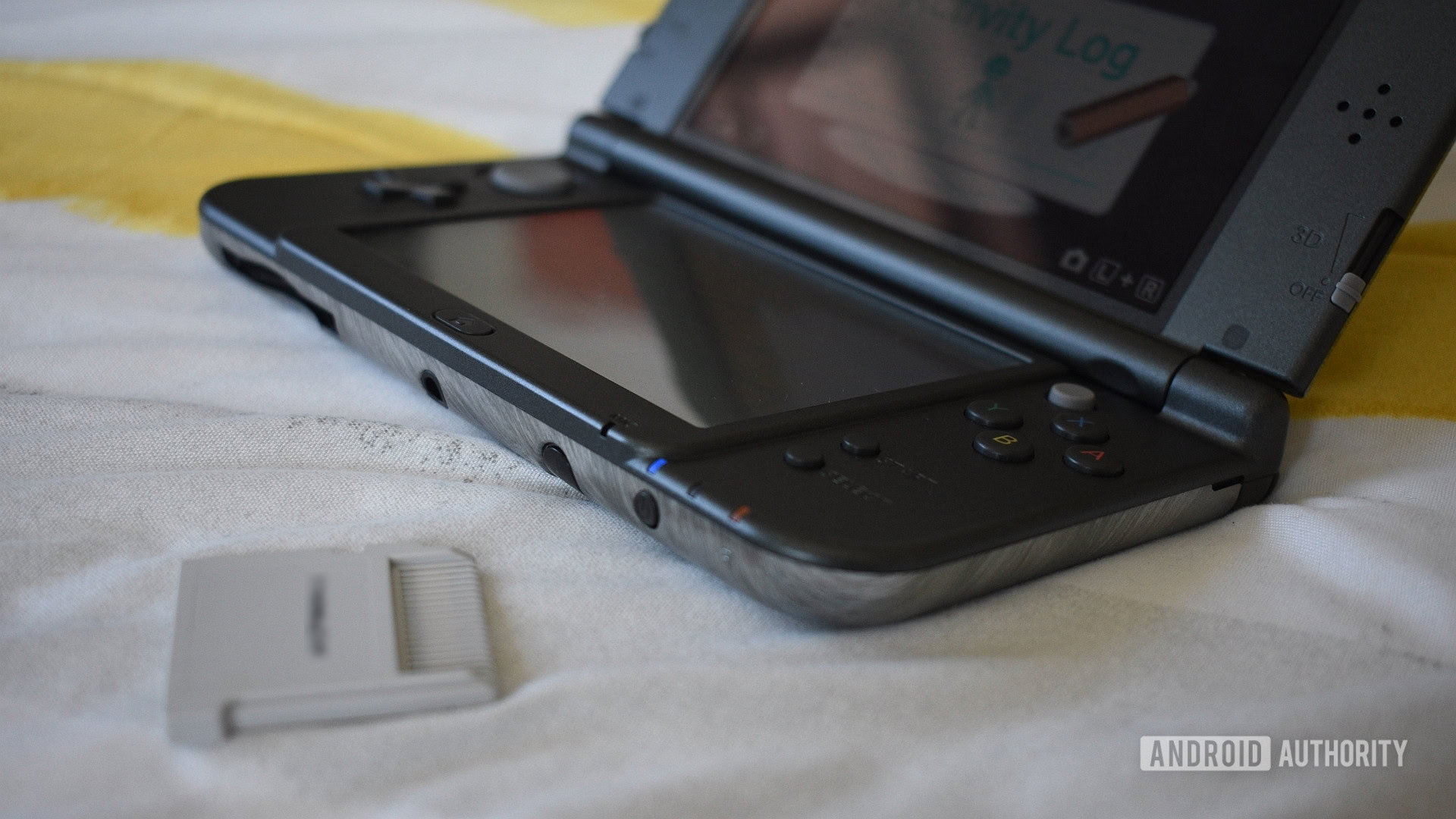
Emulating Nintendo DS games on Android devices has become increasingly accessible, though the landscape remains somewhat complex due to app availability and development status. For enthusiasts eager to relive classic titles, finding reliable and high-performing emulators is essential. In this guide, we explore the most recommended options, highlighting their features, limitations, and how to access them, even if some are no longer officially available on the Google Play Store.
DraStic DS Emulator: The Long-Standing Leader
DraStic DS Emulator has reigned as the premier Nintendo DS emulator on Android for nearly ten years. Its impressive performance ensures smooth gameplay even on devices with modest hardware specifications. Many users, including myself, have relied on it extensively, especially on devices like the Nubia REDMAGIC 10 Pro, which handle emulation effortlessly. The emulator supports a range of features such as controller compatibility, cheat codes, and save states, providing a seamless gaming experience.
However, the biggest drawback is that DraStic is no longer actively developed or available on the Google Play Store. The developer has not provided a clear reason for its removal, and although there have been hints at open-sourcing the project, this has yet to materialize. As a result, interested users must sideload the app from trusted sources, which introduces some risks but remains a viable option for dedicated fans.
To connect with other gamers or learn more about accessing apps like DraStic, you might explore community forums that discuss how to get into multiplayer sessions with developers or other players, such as the community guide on gaining access to game developers.
Alternative Nintendo DS Emulators for Android
Since DraStic’s departure from active development, several other emulators have risen in prominence, offering viable alternatives for Nintendo DS gaming on Android.
MelonDS
MelonDS is an unofficial port of a popular open-source PC emulator. It supports DSi features, which many other emulators lack, and integrates RetroAchievements, appealing to nostalgic gamers who want to unlock achievements as they play. Although still in beta, it demonstrates promising performance, with most games running smoothly on high-end devices. Its last update was three years ago, but it remains more current than DraStic, making it worth trying. Both MelonDS and DraStic are free, so experimenting with both can help determine which suits your gaming style better.
All-in-One Emulation Platforms
For those who prefer a unified interface, platforms like RetroArch, Lemuroid, or EmuBox offer expansive compatibility through Libretro cores. These platforms allow you to select from various emulators, including MelonDS or DeSmuME, providing flexibility and a broader library of supported systems. DeSmuME has been around for years and offers extensive features, but many users prefer MelonDS for its performance and DSi support. If you’re interested in exploring multi-system emulation, these platforms are excellent starting points.
SuperNDS Emulator
Another option is SuperNDS Emulator, which offers a free version with basic functionality and a paid version for ad removal. While the free edition allows testing on your device, it is heavily ad-supported, with intrusive ads that can disrupt gameplay. The paid upgrade costs just a few dollars and removes these ads, but even then, performance may not match that of DraStic or MelonDS. For a more reliable experience, sticking to top-tier options like DraStic or MelonDS is advisable.
Final Thoughts and Resources
Emulators like DraStic have historically set the standard for Nintendo DS emulation on Android, but as the landscape changes, exploring newer options becomes necessary. Always ensure you download emulators from trusted sources to avoid security risks, and consider supporting developers through legitimate purchases where possible.
For those interested in the broader world of game development, learning how to build or modify emulators can be a rewarding step. If you’re looking to get involved in game creation or testing, tools and communities are available to help you learn the ropes. For example, you can explore how to establish a presence in the developer community or understand the process for acquiring game servers in platforms like Roblox by visiting resources such as this detailed guide.
Whether you’re a nostalgic gamer or a budding developer, these emulators and resources offer a pathway to deeper engagement with gaming history and creation.