
Downloading and installing games through torrents can unlock access to a vast library of titles, but it involves careful steps and precautions. This process is more complex than installing a purchased game, primarily because it often requires bypassing copy protection and handling various file formats. This comprehensive guide walks you through the entire process, from initial download to successful installation, emphasizing safety and legality considerations.
Understanding the Risks and Legal Considerations
Before proceeding, it’s essential to recognize that many torrent files contain copyrighted material. Downloading such content without proper authorization is illegal in numerous jurisdictions and can lead to significant penalties, including fines or loss of internet privileges. Your internet service provider (ISP) and government agencies often monitor online activity, making anonymity crucial. Additionally, about 90% of pirated games are contaminated with viruses or malware capable of damaging your system. Therefore, using a reliable VPN service during downloads can enhance your privacy, and maintaining updated antivirus software is vital for scanning downloaded files. For further insights, you might explore resources on how much money game developers earn, which sheds light on industry ethics and practices.
Choosing and Installing a Torrent Client
To download torrent files, you first need a torrent client—software that manages peer-to-peer sharing. Popular options include uTorrent, qTorrent, BitTorrent, and Vuze. When installing these programs, be cautious of bundled software; always decline any offers for additional programs by unchecking pre-selected options. Once installed, these clients facilitate the downloading process by connecting you to other users sharing the same files.
Finding the Desired Torrent
Search for the game you wish to download on reputable torrent sites such as The Pirate Bay, torrentgalaxy, or kickasstorrents. Ensure that the torrent has positive comments and a high number of seeders—users sharing the full file—since this improves download speed and reduces corruption risk. Use search engines to find updated lists of active torrent sites, as many sites frequently change their web addresses to avoid shutdowns. Choose torrents with many seeders for faster and more reliable downloads.
Downloading the Torrent File
Once you locate a suitable torrent, click the magnet link or a download button to obtain the small torrent file. These files are typically only a few kilobytes but point to the larger data shared across the network. Be vigilant for false links or malicious websites; always verify that the download source is trustworthy. Save the torrent file to your computer, ready to open with your torrent client.
Opening and Downloading the Game Files
Open the torrent file in your torrent client; most are set to do this automatically. Monitor the download progress, which can take from minutes to hours depending on the file size and seeders. To optimize download speed, select torrents with numerous seeders and limit the number of simultaneous downloads within your client’s settings.
Preparing for Installation
Many torrent downloads come compressed in archive formats like RAR or ZIP. Use a reliable archive extractor such as 7-Zip to decompress these files. Determine the game’s format—either an executable (.exe on Windows or .dmg on Mac) or an ISO image. Executable files can usually be run directly, while ISO images may require burning to a disc or mounting as a virtual drive. Follow any specific instructions provided in accompanying text or README files, as they often contain vital installation steps.
Installing the Game
Run the setup program or mount/burn the ISO image following the instructions. Carefully adhere to the guidelines in the README, especially regarding any required patches or cracks. Cracking involves bypassing copy protection, which may be pre-included or require manual replacement of files. If necessary, replace the original executable with a cracked version, but always scan such files with antivirus software beforehand. Be aware that some cracked games may need you to run a key generator to obtain a valid activation key, which should also be scanned for malware.
Finalizing and Playing the Game
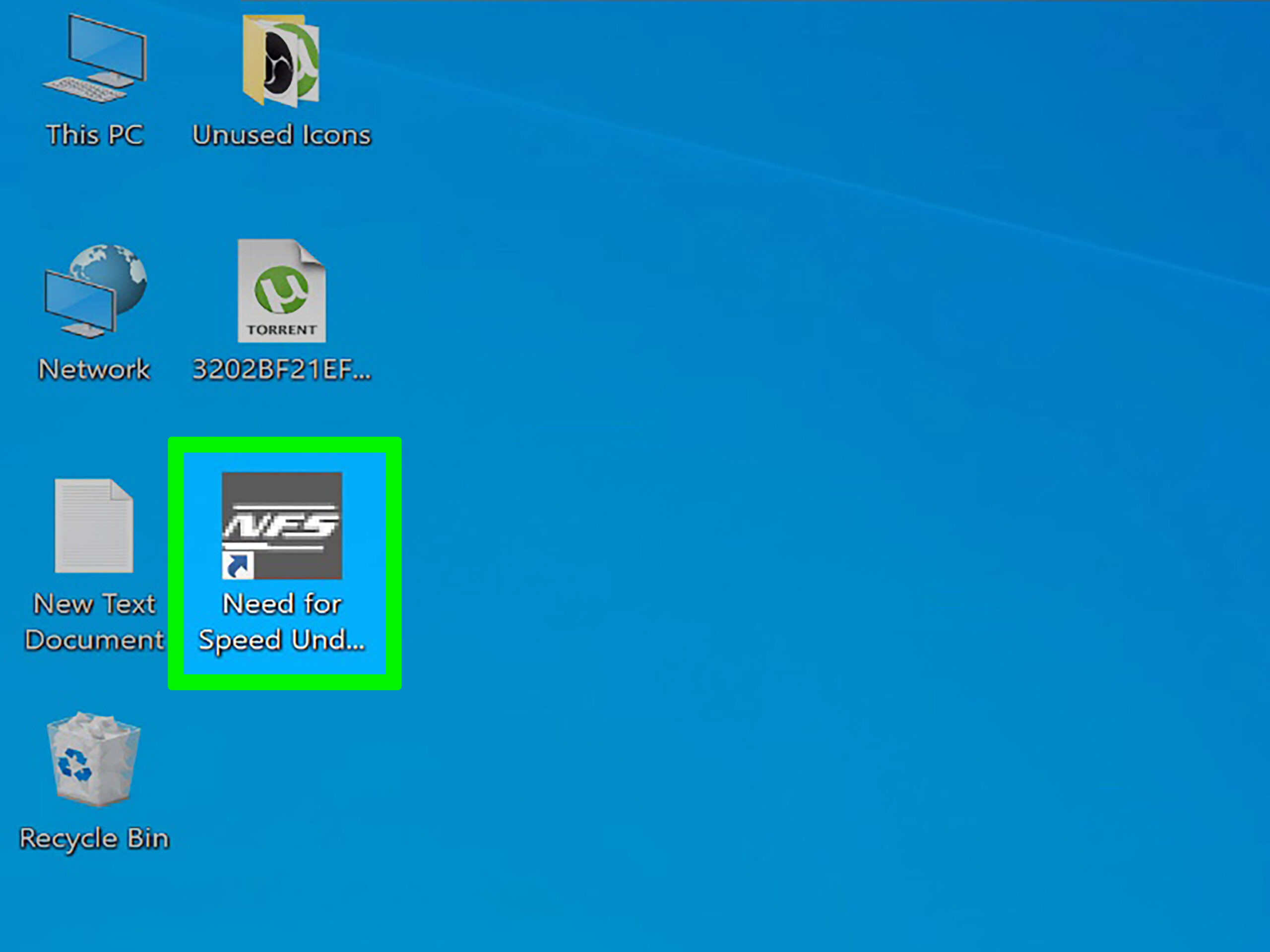
After successfully installing and cracking the game, launch it according to the instructions—sometimes through a specific executable or a shortcut created during installation. You might need to configure graphics or gameplay settings initially. Remember, playing pirated copies can carry risks, so ensure your system is protected at all times. For more detailed insights on game development and resource acquisition, check out the resource guide on where to find free assets for game development.
Installing torrent games requires patience, caution, and a clear understanding of the legal landscape. Always prioritize safety by using trusted sources, scanning files, and respecting intellectual property rights. By following these steps, you can enjoy a wide variety of games while minimizing risks and legal issues.