
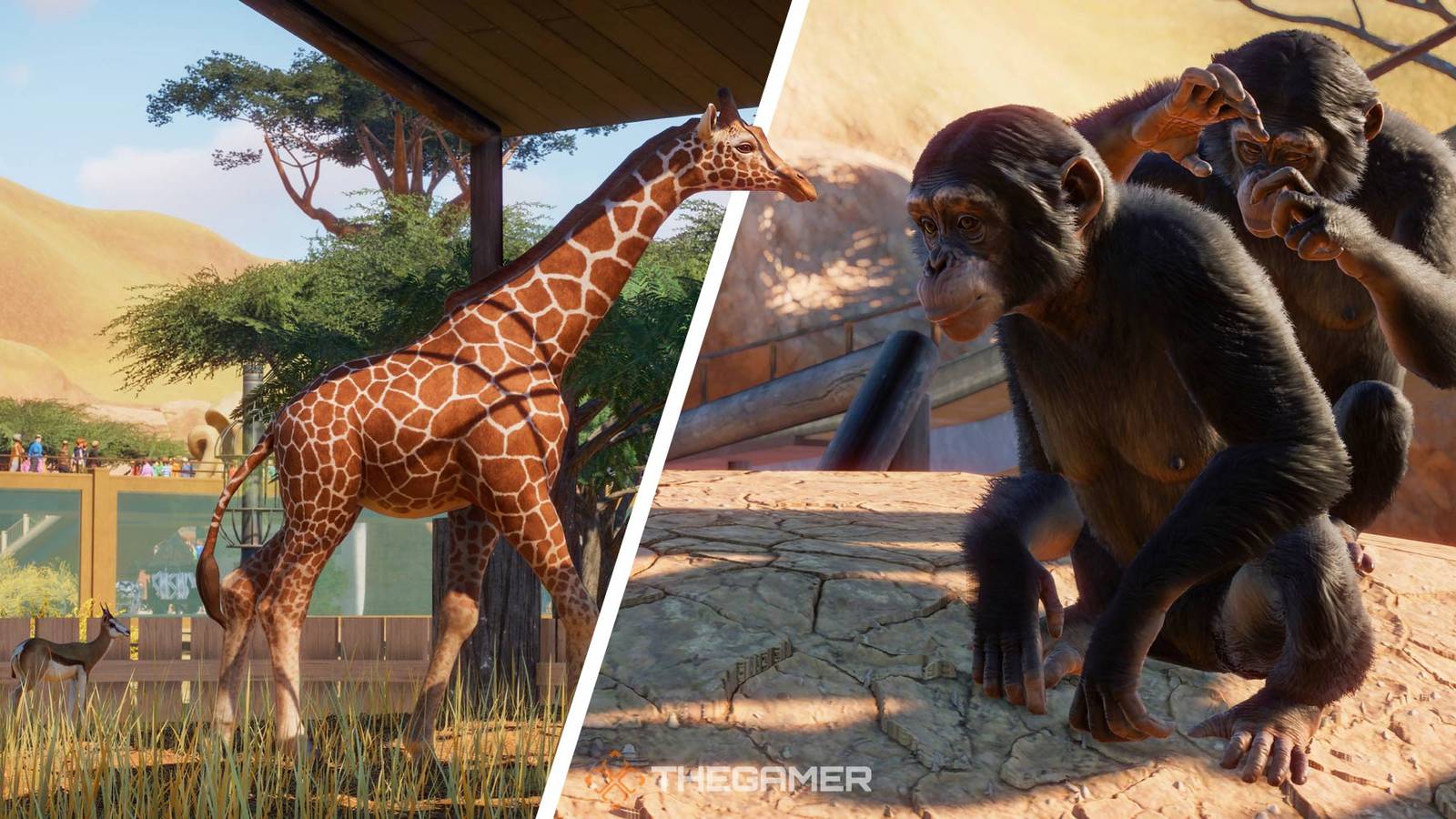
Modifying Planet Zoo allows players to expand their creative horizons and personalize their zoo management experience with a variety of new content. Whether you aim to add exotic animals, unique habitats, or decorative structures, understanding how to install and utilize mods effectively is essential. This guide will walk you through the different methods to enhance your game, from using official platforms like Steam Workshop to manually adding mods from Nexus Mods. With these tools, you can turn your virtual zoo into a truly one-of-a-kind masterpiece.
Modding in Planet Zoo not only enriches gameplay but also offers an outlet for creative expression, making the management simulation even more rewarding. The game’s design encourages experimentation, and with the right mods, you can introduce new species, habitats, and aesthetic elements to your zoo. Additionally, as the game features multiple DLC packs that focus on different regions and climates, modding further complements these expansions by providing even more options for customization. For a deeper understanding of game development, you might explore resources on starting an indie game dev team from scratch to learn how to build your own gaming projects.
Installing Mods With Steam Workshop
If you’re playing Planet Zoo via Steam, utilizing the Steam Workshop offers the simplest route for mod installation. Once you own the game on Steam, navigating to the Workshop is straightforward. Open your Steam Library, locate Planet Zoo, and you’ll see tabs such as Store, Discussions, and Workshop beneath the Play button. Alternatively, hover over the Community tab in Steam and select Workshop, then search for Planet Zoo.
To add mods, simply browse the Workshop for content that appeals to you. When you find a mod you’d like to include, click Subscribe. Steam automatically downloads and installs the selected content into your game, often within seconds. This seamless process means you can quickly access new habitats, structures, or animals without manual file management. Many popular mods on Steam Workshop focus on creating themed habitats, such as species-specific enclosures or decorative elements that enhance the visual appeal of your zoo. For example, habitats like the Reptile Centre provide immersive environments for reptiles and other exotic species.
Installing Mods With Nexus Mods
For more extensive customization, Nexus Mods serves as a valuable resource, particularly for animal species not available through the official channels. Unlike the instant installation provided by Steam, adding mods from Nexus requires manual intervention. First, locate the mod you want by browsing the site and accessing the Files section of the mod page. To download, you must click Manual Download and ensure you are logged into your Nexus account, as access is restricted otherwise.
After downloading, find your “ovldata” folder within the Planet Zoo installation directory. To do this efficiently, right-click Planet Zoo in your Steam Library, select Properties, then Local Files, and click Browse. Search for “ovldata” in the folder. Once located, extract the downloaded mod files directly into this folder. This process allows you to introduce new animal species, such as the North American River Otter, or other custom content.
While Nexus Mods offers a broader range of animal species and structures, it requires more hands-on management. Be sure to keep your mod files organized to prevent conflicts or errors during gameplay. This method gives you access to a variety of animals, including the Eurasian Lynx or Rocky Mountain Elk, expanding your zoo’s diversity beyond the base game and official DLCs.
Enabling and Using Mods In Planet Zoo
After installing mods via Steam Workshop or Nexus Mods, they will automatically become available in your game. There’s no need for additional activation steps—simply start the game, and the new content will be integrated. To find your newly added items, navigate through the relevant categories. For instance, if you downloaded a new habitat, go to the Nature section and use the search bar or browse through the options. Similarly, new animals can be located within the Animal Trading section.
For a smoother experience, consider exploring the game’s sorting features to locate custom content quickly. This ease of access encourages experimentation and creativity, allowing you to craft a unique zoo environment. If you’re interested in learning how to assemble your own team to develop game content or mods, exploring guides on building your own game development team can be very helpful. This knowledge can give you the skills to create custom mods tailored specifically to your vision.
In conclusion, modding in Planet Zoo is a straightforward and rewarding process that opens up countless possibilities for personalization and enhancement. Whether using the official Steam Workshop or manually installing mods from Nexus, you can quickly elevate your zoo’s design and functionality. With a little effort, your virtual zoo can become a stunning showcase of creativity and diversity.
Next: Planet Zoo: A Beginner’s Guide To Starting A Zoo From Scratch