
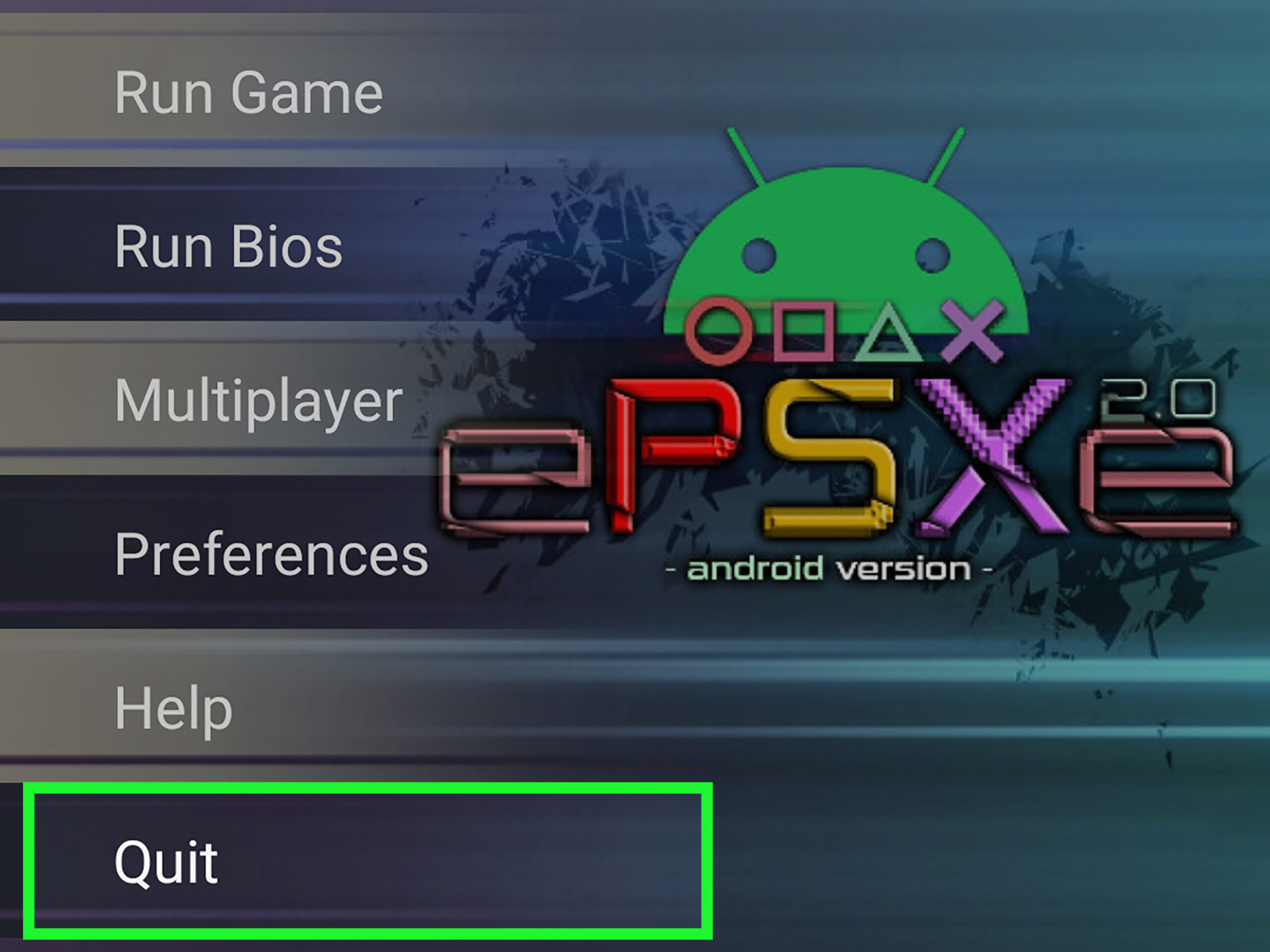
Unlock the nostalgic world of classic video games on your Android smartphone or tablet by using emulators. This guide provides comprehensive steps to help you set up and enjoy your favorite vintage titles seamlessly, whether you’re revisiting childhood favorites or exploring new retro games. Emulators enable your device to mimic older gaming consoles, offering a portable and convenient way to relive those pixelated adventures. With a little effort, you can turn your Android into a gaming console from the past, all while ensuring a smooth, immersive experience tailored for small screens and mobile hardware.
Getting an Emulator
The first step to playing vintage games on your Android device is acquiring a reliable emulator. These applications emulate gaming consoles like the Game Boy Advance, Super Nintendo, and others.
- Downloading an Emulator: Search the Google Play Store for reputable options such as John GBA, MyGBA, or John SNES. These apps are widely used and regularly updated to ensure compatibility and stability. Installing an emulator from a trusted source guarantees better performance and security.
- Obtaining Game ROMs: ROM files are digital copies of game cartridges. To play your favorite titles, you’ll need to download ROMs from trustworthy sites. Use your device’s browser to search for the ROMs of your desired games—terms like “GBA ROMs” or “SNES ROMs” will yield many results. Popular and reliable sites include emuparadise or coolroms, which host a wide selection of game files. Once on the site, browse the list, select the game you want, and tap “Download.” These files are typically stored in your device’s Downloads folder.
- Acquiring BIOS Files: BIOS files are essential for certain emulators to run properly. Like ROMs, they can be found online. Search for the BIOS specific to your emulator, such as “GBA BIOS,” on reputable sites. Download the BIOS file and store it in an accessible location on your device. Proper BIOS files ensure smoother gameplay and better compatibility.
For more insights on creating engaging game experiences on small screens, visit crafting immersive experiences for small screens.
Playing Emulator Games
Once you have your emulator, ROMs, and BIOS files ready, it’s time to set up and start gaming.
- Launching the Emulator: Locate the emulator app icon on your home screen or app drawer and tap to open it.
- Loading the BIOS: The emulator will prompt you to select the BIOS file. Using the file browser within the emulator, navigate to the location where you stored the BIOS. Tap on the BIOS file to load it. Usually, this step is required only once, but if prompted again, simply repeat the process.
- Starting a Game: After BIOS setup, the emulator will ask you to select a game ROM. Use the file navigator to find your downloaded ROMs, typically located in the Downloads folder unless you’ve moved them. Tap the game file to launch it. Most games will load to a main menu with options like “Play,” “Settings,” or “Controls.”
- Understanding the Controls: The emulator often displays on-screen controls resembling a gamepad, including directional arrows, action buttons (A, B), Start, and Select. You can customize these controls for comfort and ease of use. Always check the controls before beginning to ensure you understand each button’s function, as they can vary between games.
- Playing and Saving: Begin your game by selecting “Play” or the equivalent. Many emulators support save states, allowing you to save your progress at any point. Use the save feature within the game or the emulator’s options. When finished, exit the game properly through the menu to avoid data corruption.
For a more detailed understanding of developing engaging mobile games, explore engineering profitable ecosystems for ios and android. Additionally, if you’re interested in advanced 3D graphics for mobile, consider looking into 3d mobile app development, which covers the technical aspects of creating rich visual experiences.
Additional Tips for Seamless Gaming
- Keep your emulator and BIOS files updated to ensure compatibility with new ROMs and stability.
- Use external controllers or gamepads for a more authentic gaming experience, many Android-compatible options are available.
- Adjust emulator settings such as screen orientation, aspect ratio, and sound options for optimal performance.
- Be mindful of the legal implications when downloading ROMs; only use files from games you own physically or from sources that permit sharing.
By following these guidelines, you can enjoy a vast library of classic titles anytime, anywhere. Emulators unlock the golden age of gaming on your Android device, blending nostalgia with modern portability. For more information on the latest trends in mobile game development, visit mobile gaming app development cost company servreality. Whether you’re a casual player or a dedicated retro gamer, these tools make it easy to bring vintage games into the present.